
Write legal prompts using CRAFT: give the AI Context and a role (for example, “an employment lawyer advising under New York law”), a precise Request, the Format you want (memo, table, redline), and the Tone or audience. Add guardrails such as “do not invent citations, flag uncertainty and do not assume facts”, remove identifying client details, iterate on the first answer, and verify every authority before relying on the output.
Why prompts matter more for lawyers
General AI tools are trained to be helpful to everyone. Without instruction, they write for a general reader, assume a generic jurisdiction, and fill gaps with plausible guesses. In legal work, those defaults are exactly what you do not want. A good prompt replaces them with your professional standards.
The CRAFT method
CRAFT, the framework from AI for Lawyers 2025, gives every prompt five parts:
- C: Context and role. Who should the AI act as, and under which law? “Act as a senior commercial lawyer advising a SaaS customer under California law.”
- R: Request. What exactly should it do? “Identify the risks in the limitation of liability clause below and propose revised wording.”
- A: Audience. Who will read it? A partner, a client, a judge?
- F: Format. “A table with three columns: issue, why it matters, proposed wording. Under 400 words.”
- T: Tone. “Measured and precise.” Or “plain English, no jargon.”
Then add guardrails, the lines that protect you:
Do not invent or cite cases, statutes or quotations. If authority is needed, tell me what to check. Flag anything you are uncertain about. Do not assume facts that are not stated.
Our free Legal Prompt Builder assembles all of this for you.
Before and after: four examples
1. Contract review
Before: “Is this indemnity clause okay?”
After:
Act as a senior commercial lawyer advising the customer under New York law.
Review the indemnity clause below. Identify who indemnifies whom, the triggers,
exclusions and interaction with the liability cap. For each risk to the customer,
explain why it matters and propose revised wording.
Format: a table (issue | why it matters | proposed wording), under 400 words.
Do not cite case law. Flag any ambiguity rather than resolving it.

[clause]
2. Client email
Before: “Explain this to my client.”
After:
Act as an employment lawyer. Rewrite the advice below as an email to a client
with no legal training. Plain English, short sentences, under 200 words.
Keep every important qualification. End with one clear next step.

[advice]
3. Deposition summary
Before: “Summarise this deposition.”
After:
Summarise the deposition transcript below by topic. For each topic give the key
testimony with page:line references, any admissions, and inconsistencies with
the witness's earlier statements. Do not add anything not in the transcript.

[transcript]
4. Research planning
Before: “What’s the law on non-competes in Texas?”
After:
Act as a meticulous legal researcher. Prepare a research plan on the
enforceability of a non-compete for a software engineer under Texas law.
List the issues, the primary sources to check, secondary sources, and ten search
strings. Do not present any authority as settled; tell me what to verify.
Advanced techniques
- Give examples. Paste a clause you like and say “match this style.” This is called few-shot prompting.
- Ask it to ask you. “Before answering, ask me up to three questions if anything essential is missing.”
- Demand references. “Cite the clause or page number for every point.” Then check them.
- Split long jobs. For very long documents, work section by section. Use our Token Estimator to check size.
- Iterate. Tell the tool what was wrong: “Too long. Remove the second issue. Make the tone firmer.”
- Save what works. Build a firm prompt library. Ours has 150+ legal prompts to start from.
Three mistakes to avoid
- Pasting identifying client information into the wrong tool. Use approved business plans and redact first with the Confidentiality Redactor.
- Asking the AI to check its own citations. That is not verification.
- Treating the first answer as final. It is a draft from a fast, fallible junior.
Practise it
Open the Legal Prompt Builder, pick a task you did last week, and compare the AI’s output with your own work. Then take the free AI Competency for Lawyers course to lock in the habits.
Frequently asked questions
What is the CRAFT framework?
CRAFT is the legal prompting structure taught in AI for Lawyers 2025 by Adam Jabbar. It stands for giving the AI context and a role, a precise request, the format you need and the tone or audience, so outputs are closer to usable legal work.
Do prompts stop AI from hallucinating citations?
No. Guardrail instructions reduce the risk but cannot eliminate it. Every authority must still be checked in a trusted database before you rely on it.
Should prompts be long or short?
As long as they need to be. Short prompts invite generic answers. Including the role, jurisdiction, facts, format and limits usually produces better legal drafts.
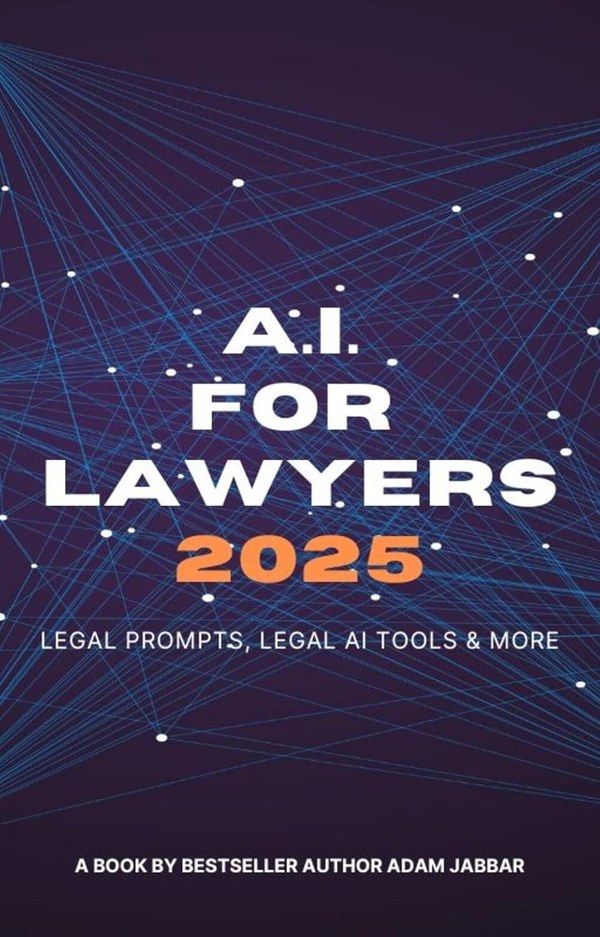
AI for Lawyers 2025
100 expert legal prompts, a curated toolkit of AI tools, and the CRAFT framework: a simple structure for prompts that produce usable legal work.
See it on AmazonTurn reading into a skill
Take the free 7-lesson course and earn a shareable certificate.
This article is general educational information, not legal advice. Rules differ by jurisdiction and change often; check the primary sources and your own professional rules before relying on it.